What Is an AI Post? How AI-Generated Social Media Posts Work in 2026
What an AI post actually is, how AI posts are created, where they work best, and how to make them sound human. A complete guide for 2026.
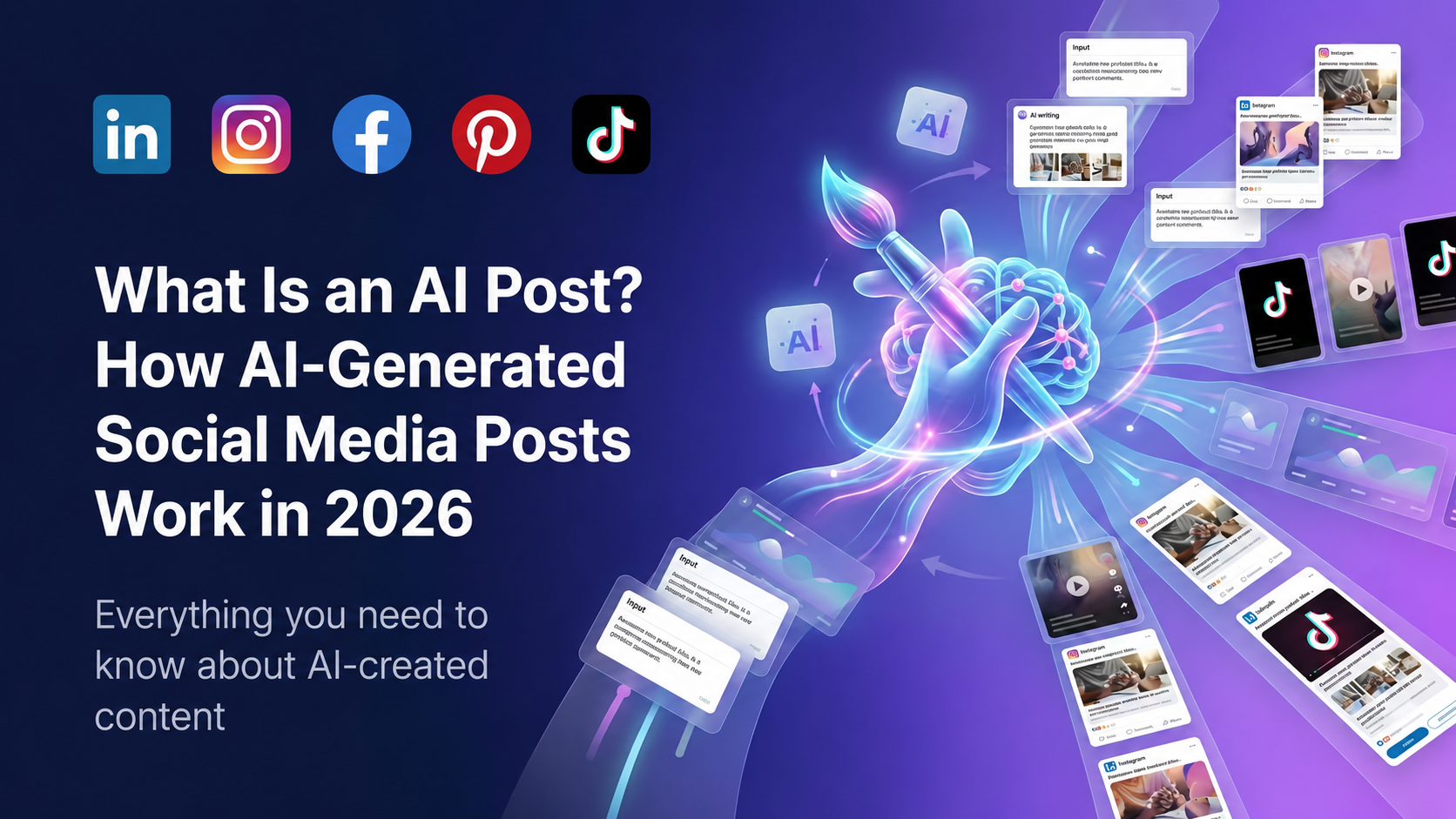
An AI post is any social media post — text, image, or video — that was generated or substantially drafted by artificial intelligence. In 2026, AI posts account for an estimated 30-40% of all content published on LinkedIn, Instagram, Facebook, TikTok, and Pinterest.
But "AI post" does not mean one thing. It spans a wide range, from fully automated content that no human ever touched, to AI-assisted drafts that a human then edited into something personal and valuable.
This guide covers what AI posts actually are, how they are made, where they perform well, and how to create AI posts that do not sound like AI.
How an AI post is created
At its simplest, generating an AI post works like this:
- You provide input — a topic, a rough idea, a URL, or a content brief
- An AI model generates the post — it writes text, suggests formatting, adds platform-specific structure (hooks, hashtags, CTAs)
- You edit and publish — the human step that separates good AI posts from generic ones
The AI models behind this (GPT-4, Gemini, Claude) have been trained on billions of social media posts. They understand what performs well on each platform: LinkedIn rewards thought-leadership hooks and line breaks, Instagram rewards emoji placement and hashtag strategy, TikTok rewards fast hooks and script pacing.
Tools like aipost.social take this further by specializing in platform-specific output. Instead of a generic prompt box, they generate posts already formatted for a specific platform's algorithm and style.
Types of AI posts
AI text posts
The most common type. AI generates the caption, body, or script for a social media post. This works well on:
- LinkedIn — AI handles the hook-first structure, line breaks, and professional tone. Try the AI LinkedIn post generator.
- Facebook — AI adapts between Page-style broadcast posts and conversational group-style posts. Try the AI Facebook post generator.
- TikTok — AI writes 15s/30s/60s scripts with hook-first pacing. Try the AI TikTok script generator.
AI image posts
AI generates the visual itself — product mockups, branded graphics, lifestyle images, carousel slides. Tools like Midjourney, DALL-E, and aipost.social's built-in image generator create visuals that would previously require a designer.
The format that has moved fastest here is the multi-slide carousel. Generating one slide is a solved problem; generating five that look like they were designed together is the harder one, and it is what makes the format practical to post weekly rather than twice a year. See how to make carousel posts with AI for what each platform accepts and what separates a carousel that works from five images in a row.
AI video posts
AI generates short-form video from a script or text prompt. This includes talking-head videos with AI avatars, text-overlay animations, and product demo clips.
AI-assisted posts (hybrid)
The most effective category. AI generates a first draft, then a human edits it — adding personal anecdotes, specific numbers, or a unique angle. The AI provides structure and speed; the human provides authenticity.
Where AI posts work best
Not all platforms and formats benefit equally from AI. Based on performance data from thousands of AI-generated posts:
| Platform | Best AI use case | Why it works | |----------|-----------------|--------------| | LinkedIn | Thought-leadership posts | Algorithm rewards structure; AI provides consistent hook + CTA format | | Instagram | Captions + hashtags | Discovery is visual-first; captions are secondary. AI caption generator | | Pinterest | Pin descriptions | Pinterest is a search engine. AI excels at keyword-rich descriptions. AI pin generator | | TikTok | Scripts | Hook-first scripts are formulaic; AI masters the pattern | | Facebook | Page posts | Broadcast-style posts have predictable structure |
How to make AI posts sound human
The number one criticism of AI posts is that they sound generic. Here is how to fix that:
- Add a personal detail in the first two lines — a name, a date, a specific number. AI cannot invent your lived experience.
- Delete the AI's favourite phrases — "In today's fast-paced world", "Let's dive in", "Here's the thing". If you have seen it in ten other posts, cut it.
- Break one formatting rule — AI follows platform conventions perfectly. Humans break them for emphasis. Start a sentence with "And." or use an unconventional line break.
- End with a specific CTA — Not "What do you think?" but "Have you tried this with a team under 10 people? DM me your results."
- Edit for voice — Read the AI draft aloud. Replace any word you would never say in conversation.
AI post vs. human post: can people tell the difference?
In blind tests, readers correctly identify AI posts about 60% of the time — barely better than chance. The tells are:
- Too-perfect structure (hook, three bullets, CTA — every single time)
- Absence of specific details (no names, dates, or numbers)
- Generic emotional language ("I'm thrilled to announce...")
- Overuse of em-dashes and semicolons
When an AI post is edited by a human who adds one specific anecdote, detection drops to under 30%.
Should you use AI posts?
If you are publishing to social media regularly — yes. AI posts are not a replacement for thinking, but they are an excellent replacement for staring at a blank page.
If you are weighing up tools, see our comparison of the best AI post generators.
The best workflow in 2026:
- Generate 5 AI post drafts in 10 minutes using a tool like aipost.social
- Pick the 2-3 that resonate with you
- Edit each for 5 minutes — add your angle, your numbers, your voice
- Schedule them across the week
That gives you a week of content in under 30 minutes. The alternative — writing from scratch — takes 2-3 hours for the same output.
Getting started with AI posts
The fastest way to see what AI posts look like for your brand:
- Try the live demo — visit aipost.social and enter your website URL. No signup needed. You will get a set of platform-specific AI posts generated from your actual brand in under 60 seconds.
- See examples — browse real AI-generated post examples across all platforms.
- Pick a platform — start with the platform where you post most often. Consistency matters more than perfection.
AI posts are a tool. The brands winning at social media in 2026 are not the ones avoiding AI — they are the ones using AI as a first-draft engine and investing the saved time into editing, engagement, and strategy.
Generate your own AI social media posts
aipost.social writes posts for LinkedIn, Instagram, Facebook, TikTok and Pinterest in seconds. Try the live demo — no signup required.
Try the live demo